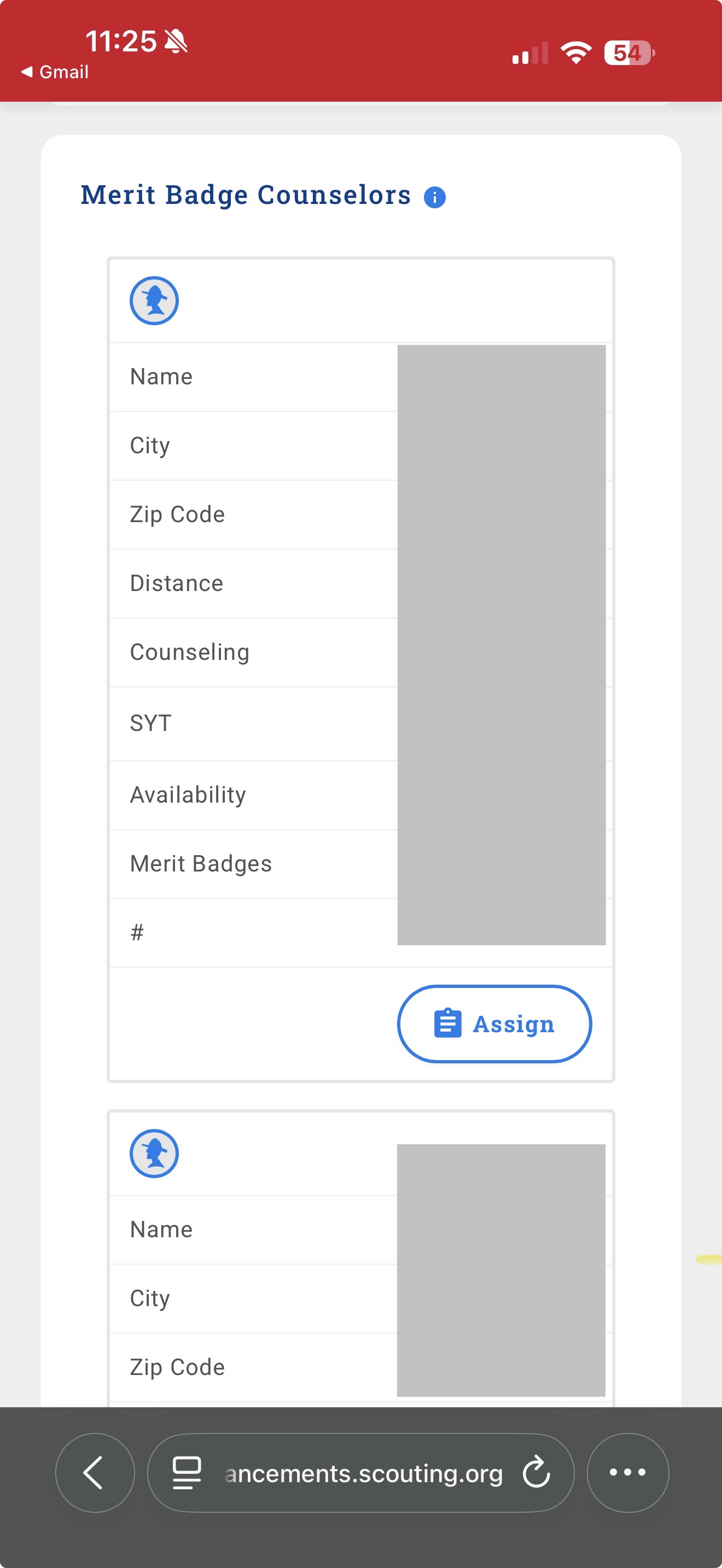
In Scoutbook Plus I searched for MB counselors for a particular badge and none of the search results show contact information for the counselors. Also, every counselor has their availability flag set to busy even when searching for available counselors only. As a test, I searched for myself and it showed me as busy and did not display my contact info.
i am the Troop Committee Chair and the Troop Advancement Chair.
Click on the  icon to see the contact information.
There is a story in the backlog to display the contact information in the search results without having to click. Watch Scoutbook - Scoutbook Plus Change Log - Scouting Forums for an announcement of a fix.
I don’t see the icon. I am using iOS and Safari as my browser. Any help would be great. Thank you.
@TroopCC
This is a known issue on mobile devices. Watch Scoutbook - Scoutbook Plus Change Log - Scouting Forums for an announcement of a fix.
Thank you. I will attempt to have my phone request the desktop site. Is there a way to run a report showing contact without having to click an icon on each possible counselor to get their info?
It is not possible to export MBC search results.
Thank you. Not sure if this will help others but I was able to see the icon on my phone by rotating it to landscape mode and using smaller font. This also corrects the availability showing up as “busy”
I have the same issue and clicking on the contact card errors out. It was working last week
@NeetuGoyal - this is working for me. no issues.