Hi there.
I am Advancement Chair for my unit. I noticed an error in my most recent purchase order but it is already closed. I cannot find a way to re-open it so I can address the error. Basically, I need to make sure a couple of the items go back on the “To Purchase” list, so if there is another way to make that happen, please let me know?
Thanks for any help you can provide.
Amanda
@AmandaSteiner - go to the To Award section, find the item(s) click on the PO number > then click on the blue trash bin to move them out of the PO
Thanks @Stephen_Hornak. I don’t think I see that option because the PO is closed? Unless I’m missing something entirely!
@AmandaSteiner - here is what you want to click on:
Click on to Award > From there on the right hand side will be a blue PO number.. click on that
Thanks. I did that, but I don’t see any option to delete and don’t see a blue trash bin anywhere. 
@AmandaSteiner are you on a pc ?
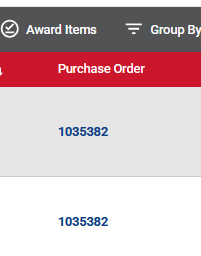
I’m on a MacBook. This is what I see:
Is the screenshot you are showing me for an open PO or a closed PO?
@AmandaSteiner- that looks like a mobile device view. I can do a screen share if you wish.
Ohmygoodness, you’re right! Apparently my window was too small and it was showing me the mobile view. I fixed it! Thanks so much.
@AmandaSteiner - all good now with removing items from a PO ?
Yep! So it doesn’t matter if the PO is closed or not? I just need to make sure the window is maximized so the display will show me the options I need.
@AmandaSteiner - no.. you can adjust an open or closed PO.. which is actually handy.