When drafting an email and pasting content from Google Gemini, all my apostrophes are replaced with a “?” in the email (subject and body) whereas an apostrophe I add myself is not. Does the messaging not recognize unicode? This error is not shown in the message draft window, only on the email that is distributed, so it’s really hard to catch.
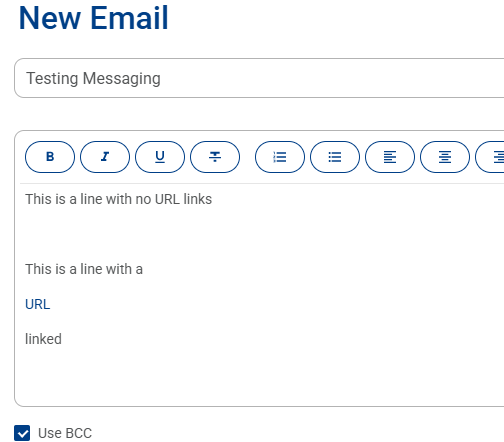
Also, when highlighting text and clicking the URL link, it moves the linked text to a new line, separate from the text before it and after in the paragraph. How do I get around this?