In Legacy SB we were able to pull a report for all unapproved adventures that a parent had recorded and from there bulk approve all entered adventures.
The current den leader training instructs us that if a parent says their child did it, we are to approve it, and in our unit we frequently have kids that are working on electives on their own at home, or we ask that parents enter in completions for things that are homework - like when they attend a religious service or watch the Protect Yourself video.
In Scoutbook Plus it appears that we now need to pull that report and navigate to each individual child to approve the award. Please pursue a method for us to be able to do this in a more timely manner (or let me know what I’m missing!)
@KatieGooding - do you see this:
Thanks. I searched and didn’t see this. And then I played around with it and figured out I could just click them and approve.
Looks like you guys already thought of everything! You’re the best!
That said, an update to the user manual with clear instructions would be nice when someone gets around to it - I read that too…
@KatieGooding - I wish I had something to do with it.. but do you mean the help pages ?
Yes - this resource: Introduction to Scoutbook Plus for Cub Scout Packs - Scoutbook Knowledge Base
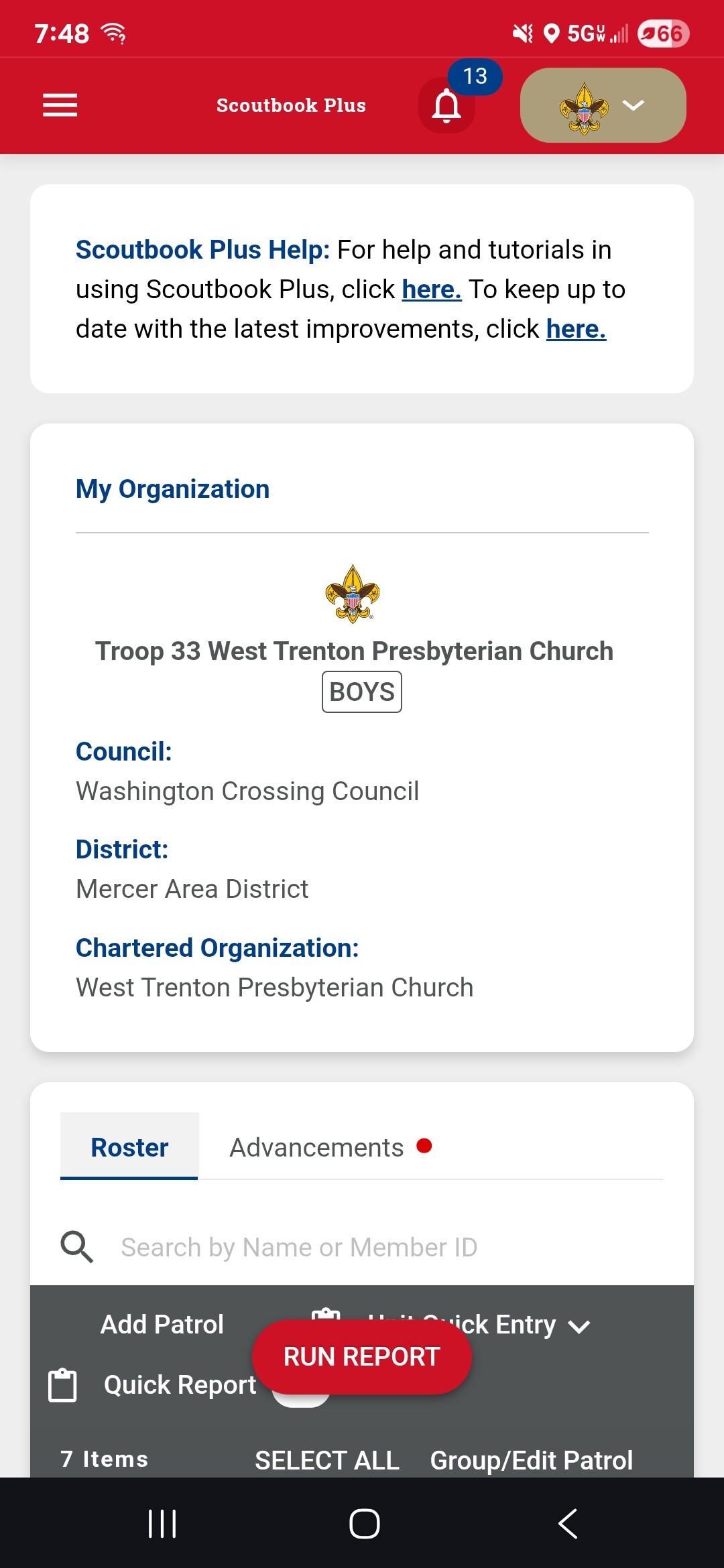
I had already found the reports and could see the list of adventures that needed approval, but it wasn’t obvious that I could click on the adventures and then a pop-up would appear for me to approve. I was using a mobile device, so that could be part of it. And I am used to the old system so I was looking for an ‘approval all’ button. Once I accidentally clicked on a name I figured it out because the ‘approve’ button appeared underneath, but this was after doing several by navigating to the kid in the roster, reading the above manual, and searching/posting here 
Hopefully my cluelessness helps someone else figure it out faster in the future 
@KatieGooding- you also have the bell notification
Yup. Love that feature!
Can’t wait to see the improvements when messaging moves over to plus