I have two assistant den leaders working to get scouts updated with adventures.
Neither had a roster under login. Here’s what we confirmed and did to fix- please advise if this is a bug or if assistants are unable to enter advancement.
We confirmed they had the right position selected from top right menu in scoutbook plus.
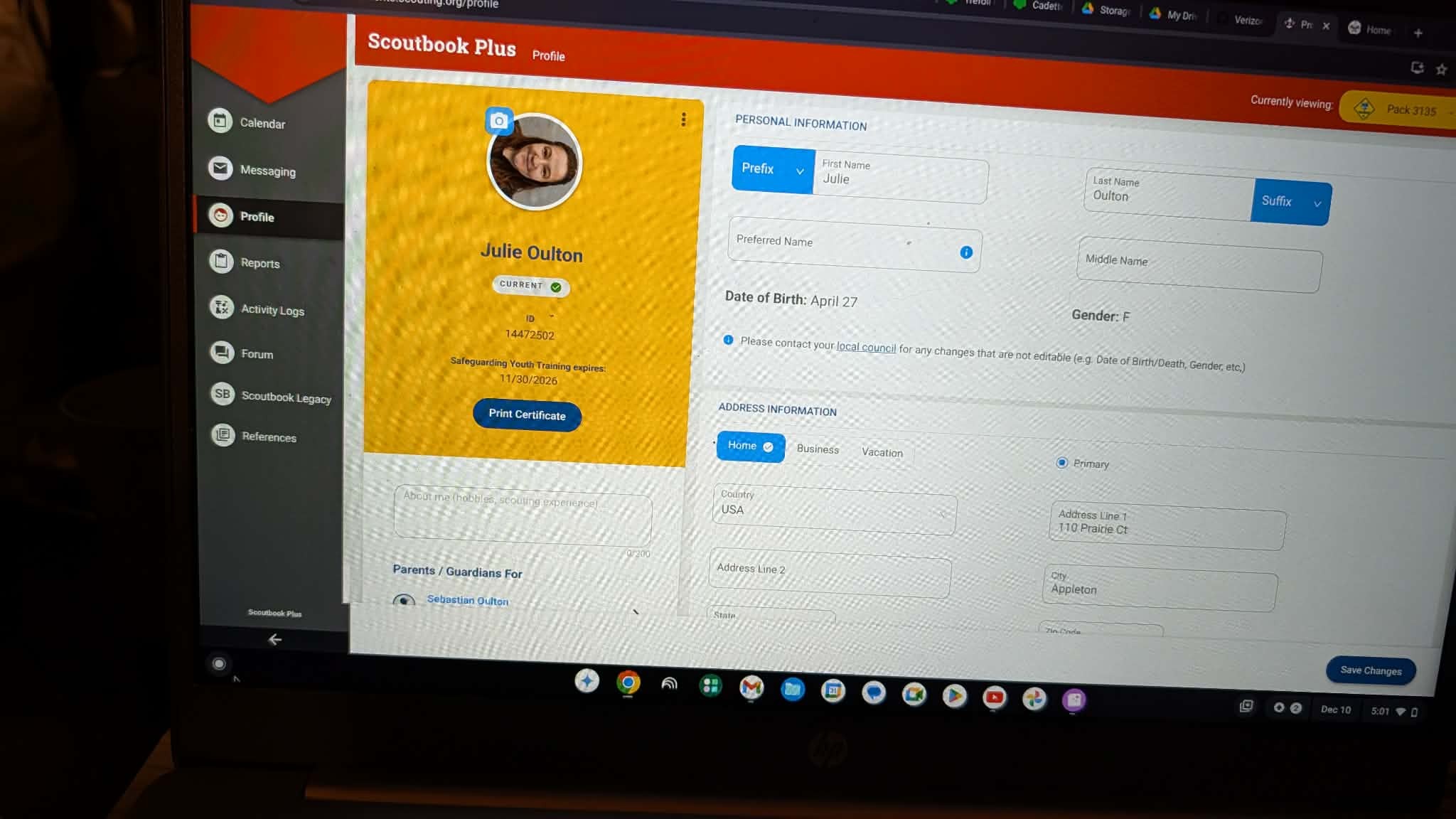
I checked their titles in My.Scouting.Org- both were Asst Den Leaders, but Den Admin in Scoutbook plus menu. Screenshot as Den Admin selection was completely missing the roster. When I shifted them both to Den Leaders, the roster opened up and is allowing them to work through the advancement.
Volunteer member IDs are 14680137 and 14472502
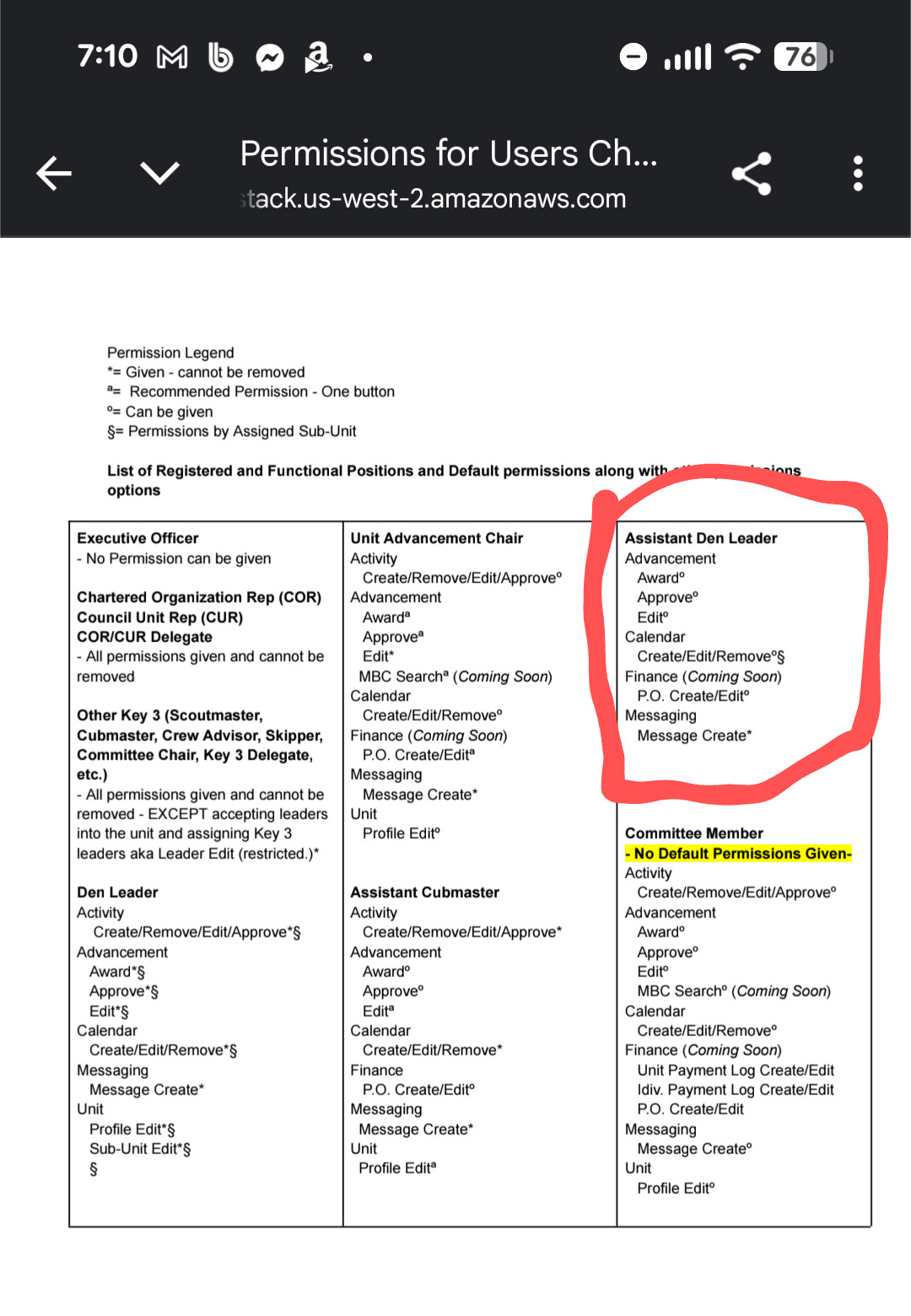
As noted in the blue banner at the top of these forums, the permissions structure has changed. ADLs have very little in terms of default permissions, so the unit Key 3 (CM, CC, COR) or Key 3 Delegates designated in my.scouting need to add the desired permissions to each ADL and assign them to the relevant den.
Linked from the blue banner are a PDF (which I used) that explains the permissions structure and a video (which I admit I didn’t watch) that I understand demonstrates the process of adding permissions for individuals. I actually found the UI/UX surpisingly (to me) intuitive for a SB+ interface. I’m either getting smarter or the UI/UX designers are drifting closer to my existing thought processes. :^)
@LoriWolfert the first one should be working fine in SB+ -
See Scoutbook_Permissions.pdf and the Scoutbook Plus permissions video for more details.
Charley,
I appreciate the response however it contradicts the PDF referenced.
The PDF states Asst den leaders DO have default permissions to edit advancement.
So this is reading as a bug to me.
Please disregard, reading on the phone I missed the “can be given” super mini circle!
Thank you,
I’ll work to correct their positions and permissions another night.
No worries. I did the same thing the first time. Once I zoomed in the PDF, the “o” vs “a” vs “*” got a bit clearer. I forgot to mention the superscripts when I mentioned the PDF.