
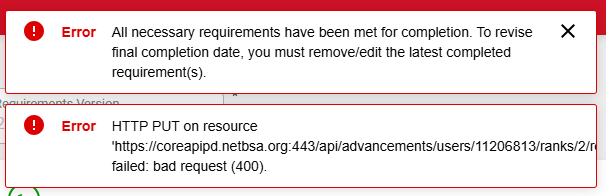
We accidentally entered completion for several rank requirements for the wrong scout, and those requirements completed the rank so the Final Completion Date auto-populated. I am unable to remove the final completion date from the rank and receive this error: “All necessary requirements have been met for completion. To revise final completion date, you must first remove/edit the latest completion requirement(s).”. When I try to remove the completion date for any of the requirements, I receive this error: “HTTP PUT on resource ‘https://coreapipd.netbsa.org:443/api/advancements/users/11206813/ranks/2/…’ failed bad request (400). None of these requirements (or the rank overall) have been approved or awarded. Any ideas on how to back these items out?


@KKincaid - you also with that requirement blank out the completed date of the overall rank. You have the exact same scenario as the link i provided
For some reason the same steps aren’t working for me. I have tried blanking out the individual requirements individually and then the final rank completion date and all of the individual ones and then the final rank completion date and always get the same errors. On the final rank completion, that I have to remove one of the individual dates first, and on the individual completion date an API error…
@KKincaid I can setup a screenshare to see what you are seeing if you want
@KKincaid- in looking at the rank page do the following:
clear the final date, and at the same time clear the requirement and click save on the requirement.
I am having the same issue. Screenshot 1 is me removing both dates as you recommend. Second one is the error I receive when I save. As you can see it is autopopulating the final compoletion date again.

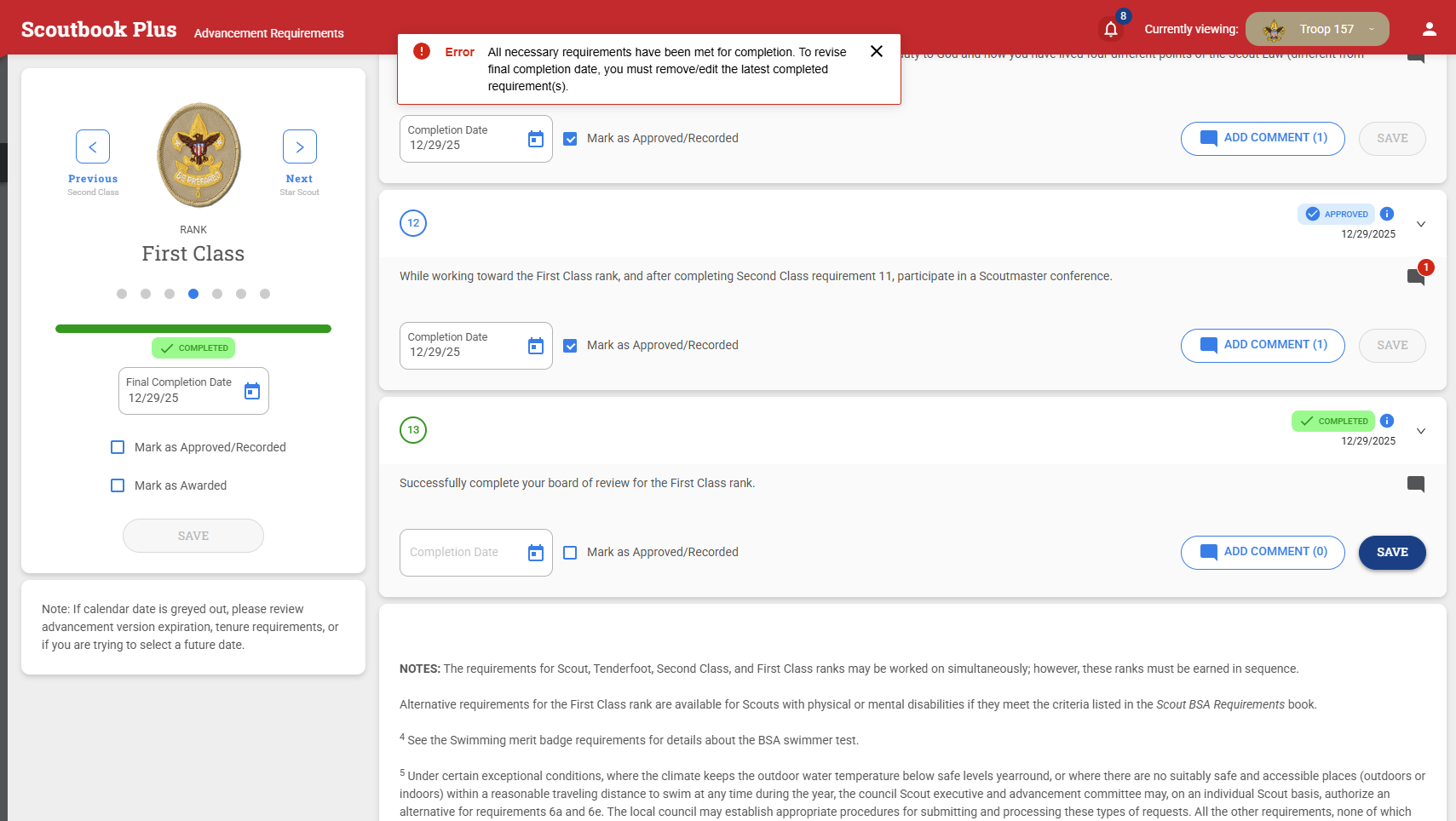
I have also tried saving after just removing the date on requirement 13. But the Completed check mark does not go away and when I then remove the final completion date, It puts it back in.
@KevinMiltz - did you click save on the requirement after backing out both dates ??
This is has been reported for investigation
I see that is has been reported. But wanted to say that yes, I did click save and that is when I got the second error on screenshot 2 with the date magically populated back in.
Thank you for looking into this.
This is working for me now. Thanks!


