
Hello and thank you for your time. I am still seeing old adventure versions as an option when recording scout adventures into scout book plus. this is specific to Cub Scouts and the new program the is over a year old.
Can you send us a screen shot where you are seeing old versions of adventures? They were supposed to have been disabled at the end of 2024. I’ll send you a direct message where you can upload them. Click the pick C in the upper right of your forum window to access the message.
Please include the Scout’s Member ID with the screen shot.

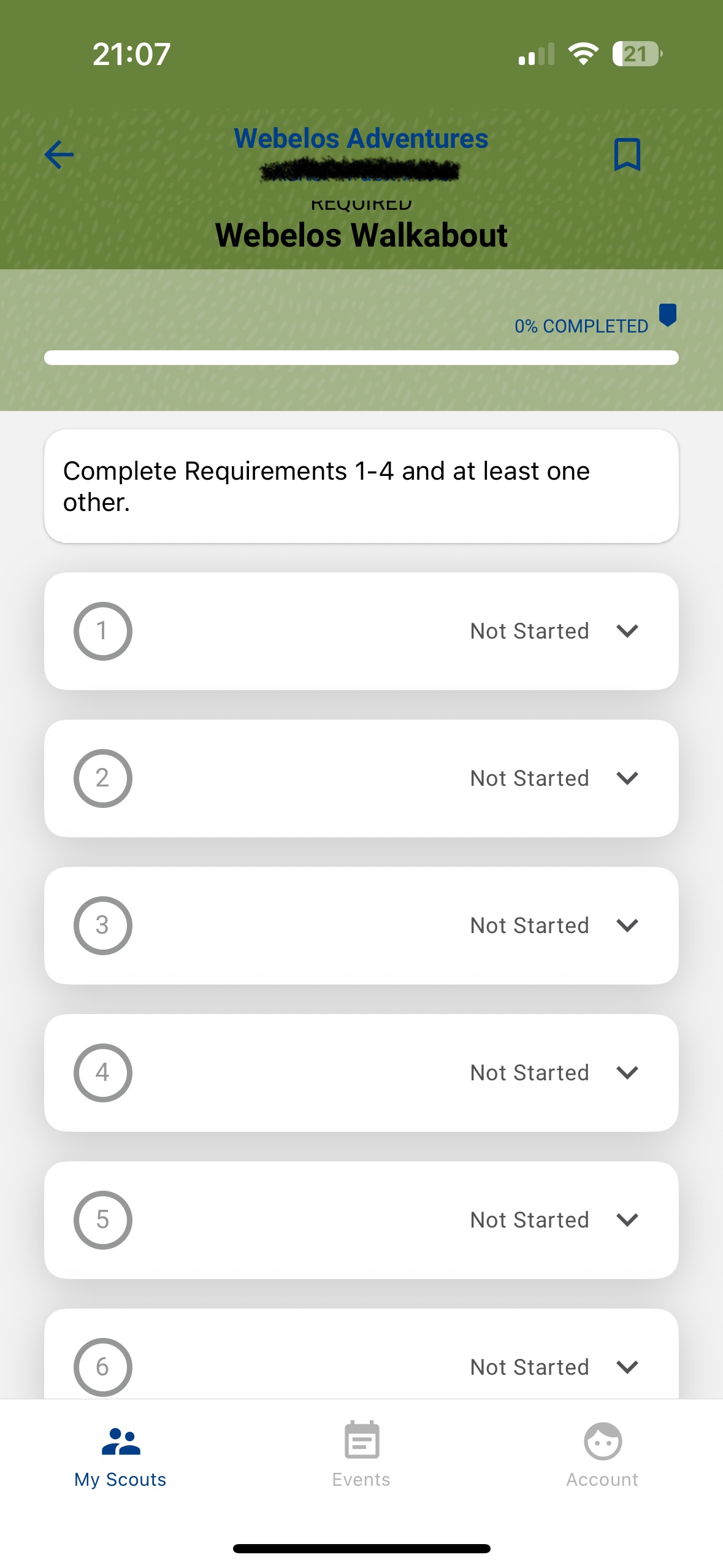

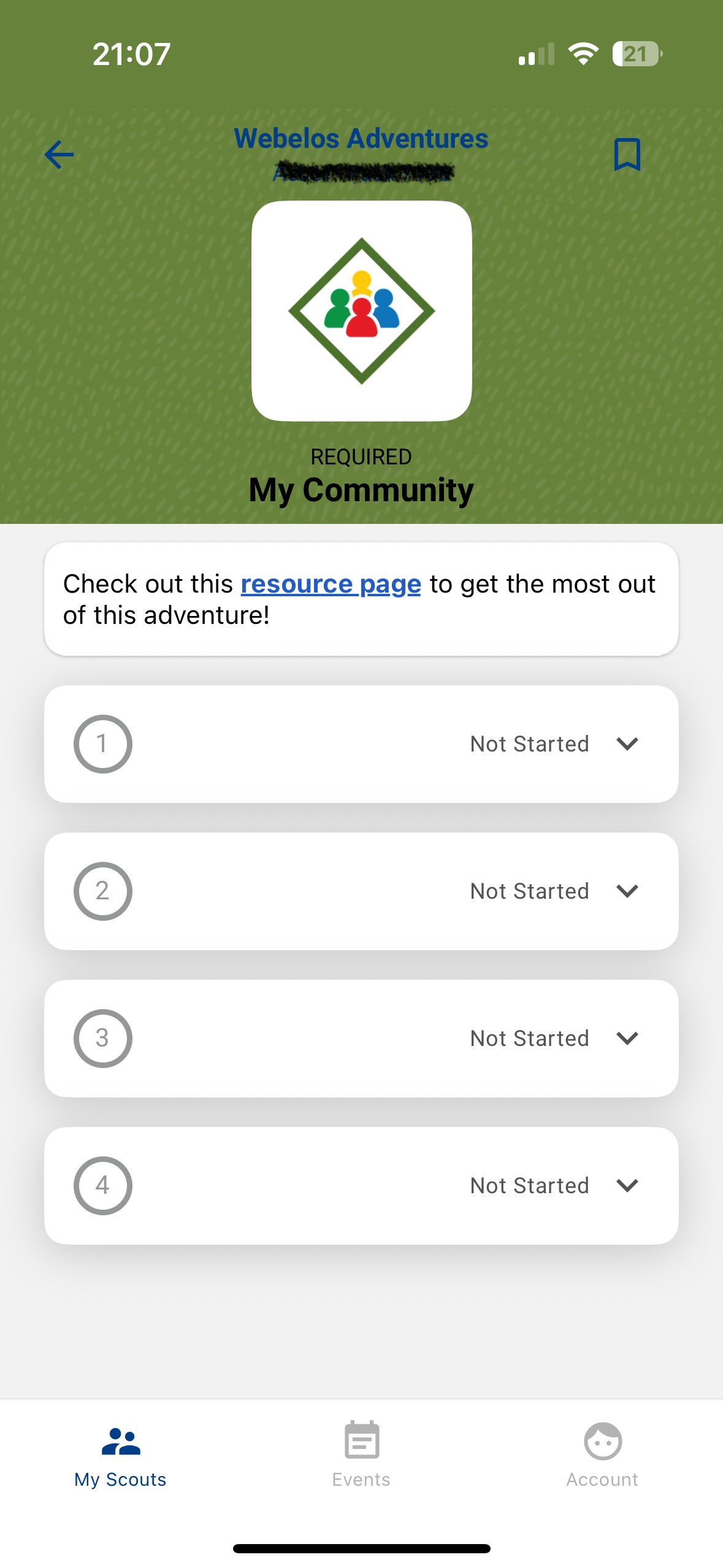
OK thanks for the screenshots @TamaraBrady - so you just see this in the App?
Well, on the website there is a drop down to choose which program. It does default for me to the old program when I open the walkabout adventure for example, but it’s less of a problem because I can change it to the current one with the drop down. This is not however available on the app. Notably, when I open the walkabout for example on the app, it first starts in the new program format but then will quickly change to the old program, almost like the new one just can’t load so the old one takes over if that makes sense.
I am seeing this same issue. My AOL den, the Scout that was enrolled in 2022 is only showing the 2022 requirements, but the others in the den are showing the correct 2024 requirement. My Cubmaster logged in and confirmed that he sees the same. I am looking at Scoutbook Plus from a Mac, both in Google Chrome and in Safari.
Edited to add:
I got it updated. I needed to go into one of the Adventures for AOL, then on the “Arrow of Light Rank” breadcrumb on the top menu, and that allowed me to select 2024 Requirements Version in the dropdown.


