Mark,
You can either use an incognito or private window (depending on the browser) or clear your cache and the cookies for the scouting.org domain. Clearing the cache alone is not sufficient.
Mark,
You can either use an incognito or private window (depending on the browser) or clear your cache and the cookies for the scouting.org domain. Clearing the cache alone is not sufficient.
Incognito worked for me FYI. Clearing cache did not.
I will say that I loved Scoutbook. Now I’m so frustrated with it between the migration to internet advancement and the really clunky reporting on the activities interface. I’m afraid I’m going to go to excel spreadsheets soon. I’m a pretty tech savvy guy, so I understand how all of it works. Only now it just takes way too much time and is too onerous to deal with.
I know I’m not alone on this. I really appreciate the effort to put all of this online. I want a system that will do this for us. But when we take something and make it harder, and then eliminate the easier options, we’re going to have a lot of defections.
If you are having issues with clearing cookies in Chrome:
Go to “More Tools” > “Developer Tools”
Click on the “Application” tab at top.
Expand “Cookies” under “Storage” on the left.
Attempt to go to Scoutbook in the browser.
Right Click on every scouting website shown under “Cookies” and “Clear”
Re-attempt to go to Scoutbook in the browser.
/ incognito window worked
Not sure clicking link in the new page used a incognito window and it worked
@RalphSiccama Clearing your browser cache AND cookies should also help.
I have tried both incognito and clearing cache and cookies. Neither worked.
@KevinChoo Which site are you trying to access: Scoutbook or Internet Advancement?
Which browser are you using?
Needed to go Incognito on Chrome, clearing cache, cookies, and browser didn’t work.
I have worked in software for 25+ years and know things happen so I don’t fault anyone but do agree that it would have been nice to have more advance notice, or something sent to me ahead of time.
The Android App also looks to be working, thankfully, but I can’t use that to manage my den.
I tell i finically got in on my iPad after all day, now am I going to have to spend the next two weeks trying to tell my parents leaders and scouts how to do this.?..we got to do better then this. What a email maybe with intructions, maybe a larger sample “I saw posted that this was done and that they had no problem “ was the qustion asked to this people do they pros at this or novices…we got to do better
Simplified, here is how to log into Scoutbook while they fix this.
1 - Use a Private browser window (also known as an “Incognito Window” or mode)
2 - Use this new URL… (It should redirect automatically but it is not) … http://scoutbook.scouting.org/
I am using Google Chrome on Windows 10
Hello Jacob,
As info for you while you work to figure out the issue. I tried clearing the cache and also going incognito, and neither worked for me on Chrome, nor on my phone. When I used the Microsoft Edge app on my computer I got in.
I will echo some other comments regarding entering camping and hiking trips. The old way of adding it to Scoutbook was much easier than using the internet advancement page.
Thank you for your efforts and looking forward to a resolution to this issue.
Mike
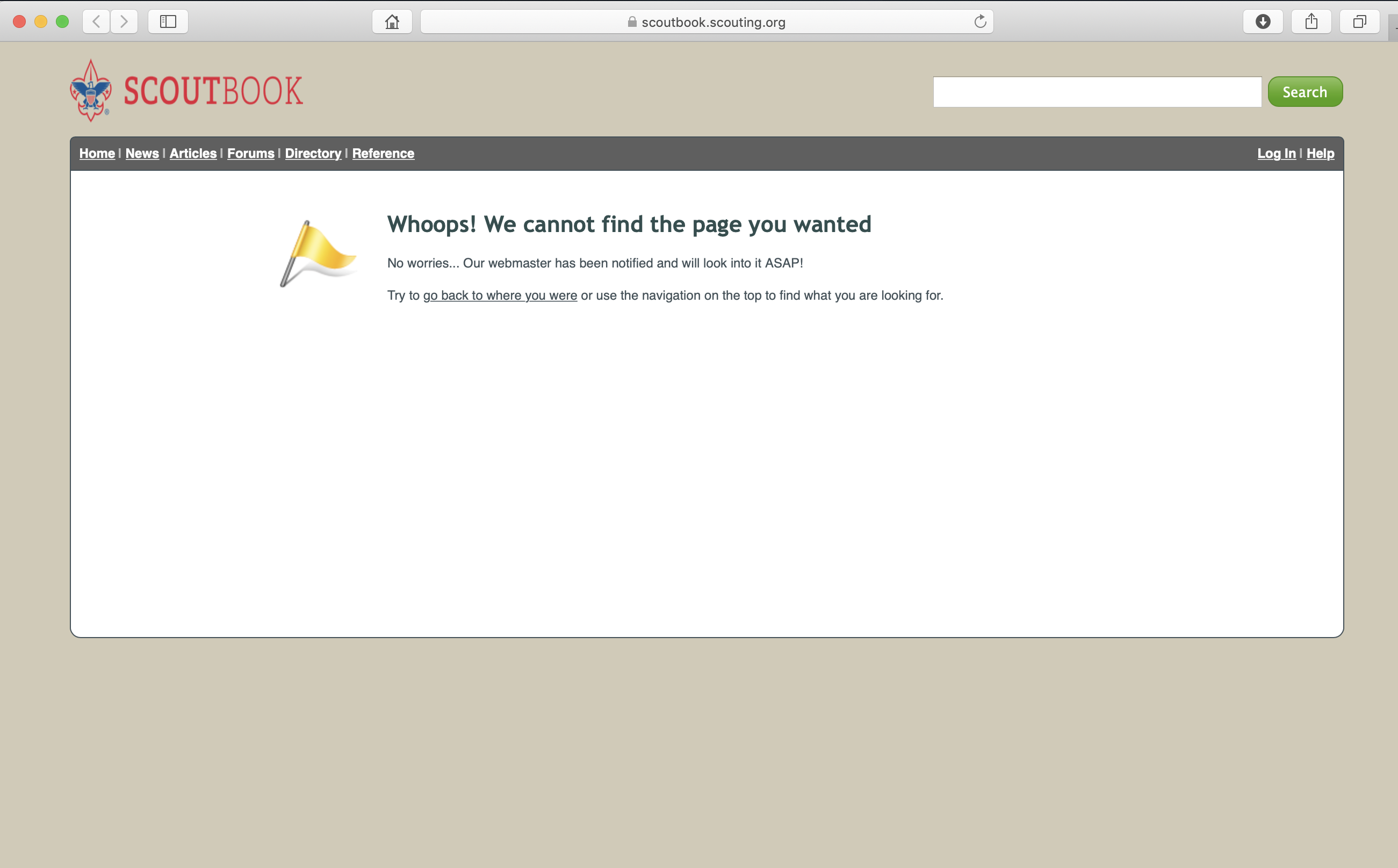
I haven’t seen anyone mention this specific problem, but for the last 2 days I keep getting a ‘page not found’ error. This happens whether I type in scoutbook.com or scoutbook.scouting.org. I’ve cleared caches and still can’t get any page to load other than the error page.
Chris,
Use an incognito or private window to log into Scoutbook. If you want to use a regular window while the BSA works to fix the issue, you must also clear cookies for *.scouting.org.
Clearing cookies solved the problem. I didn’t need to use private mode (which doesn’t have my saved password).
This is the stupid stuff that drives me nuts. We are all volunteers and may only have minutes a day to get this stuff entered. Not the smartest move to do this before national re-charter. Muck it all up after the new year as usual if you want but not right now… very short sited move in my opinion.
Wow, that’s a great first comment… At least you said “Thanks” I guess.


© 2026 Boy Scouts of America - All Rights Reserved