I am a den leader and have been the primary person entering Scoutbook updates for my den for the past year and a half. I was recently trained as a New Member Coordinator, and our pack leadership added that position to my record.
When they updated my positions, I immediately lost all access to my den in Scoutbook Plus. I could no longer view any Scout profiles or enter advancement. Leadership went back in and confirmed that Den Leader is marked as my primary position. In both my Scoutbook profile and my My.Scouting account, I show correctly as a Den Leader.
Despite that, I still have no access to any Scouts in my den. I cannot view profiles, cannot enter achievements, nothing.
What steps should we take to fix this? Is there something specific that needs to be reset or re-synced in Scoutbook after adding a new role? Please help.
As noted in the blue banner at the top of the forums, the permissions structure was completely reworked. Your Unit Key 3 or Key 3 Delegates (K3D) may need to reassign your permissions using the methods described in the PDF and video linked from the banner.
It’s been noted in other posts that if you have a “named” den leader position (e.g. Tiger DL or Webelos DL), the system isn’t consistently assigning registered-position-based permissions, and the Key 3/K3D may need to either individually assign permissions, or move you to a “generic” DL position. The other thing that was raised as a possible issue is for DLs not assigned to a particular den.
@BrookeStevens so is this for the Tiger Den you are having issues?
@BrookeStevens are you trying to enter advancements with Quick Entry? there is a known issue with that.
What about going into the individual scout?
Thank you. I will pass this along to the pack leadership. There weren’t any issues before they added the additional position for me, so I wasn’t sure if there was an issue with me being assigned to multiple positions.
Yes, for Tiger. But I used to be able to see the scouts in the whole pack. Now I can’t even see them. The rosters are completely empty for me.
@BrookeStevens - in the roster at advancements.scouting.org there is a filter.. reset that
If your roster is blank, select the roster filter then click Reset Filters.
Reset Filters worked! Thank you so much!
I’m having a similar issue only there isn’t even a roster tab anymore. A week ago I was having filter issues and now as the tiger den leader and den admin level i see nothing.
What if you dont see roster at all anymore. I have den leader admin and see no roster tab at all as of today.
What positions appear in the dropdown in the upper right?
It says Den admin.
Cub family
Den admin
I have 3 options since I have a role plus 2 scouts and the admin role is selected for what im viewing
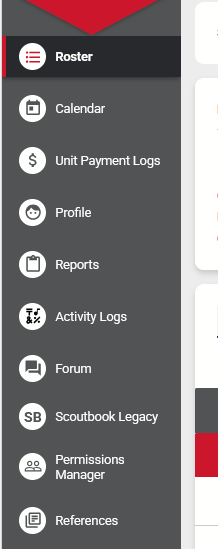
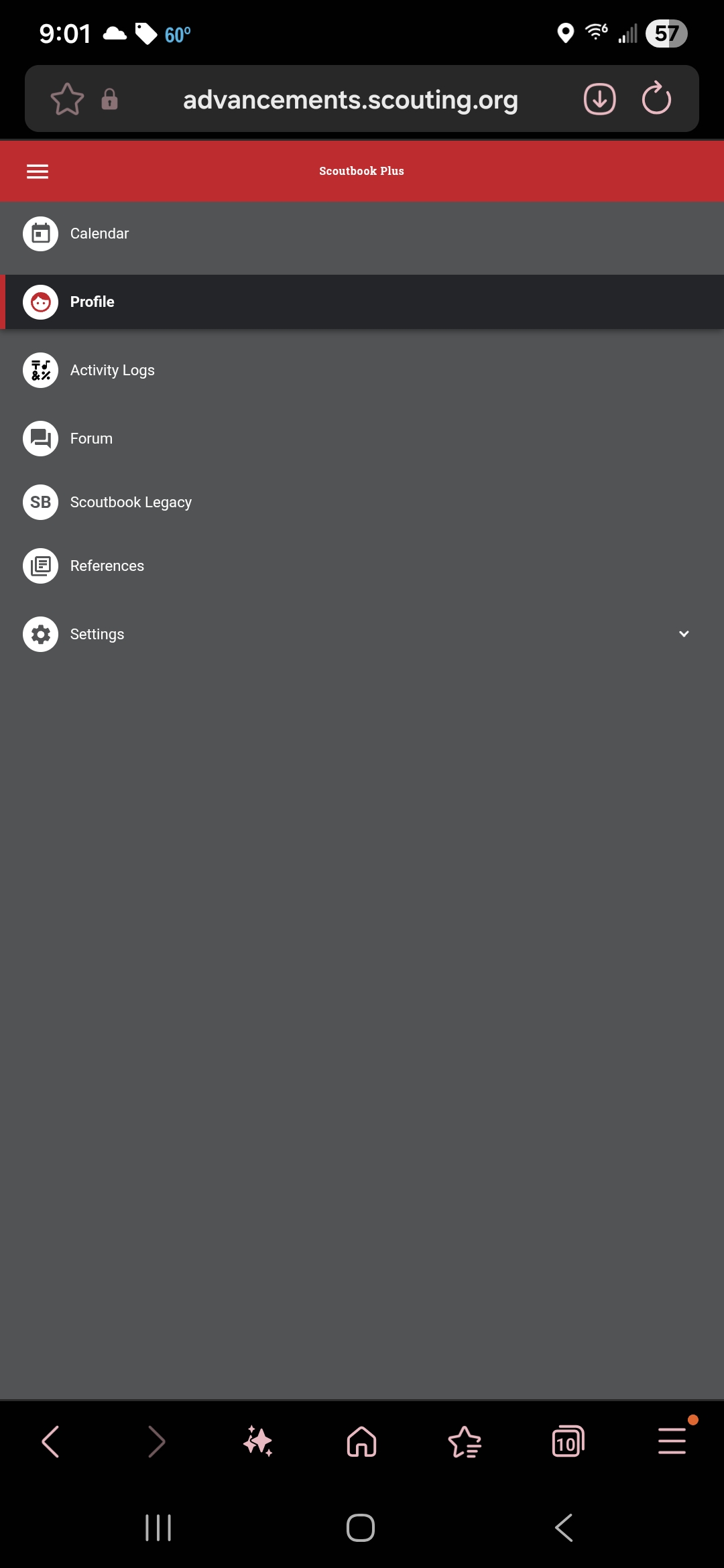
@RosalynSilvester - so you do not see any menu like this when the den admin role is selected
correct it no longer shows roster when i go the menu there
It sounds like you don’t have a registered position.
@RosalynSilvester
I see you are registered as a Lion Den Leader. There have been issues with the “named” den leader positions. Ask a Key 3 member to change your registered position to Den Leader. This should fix your access issue, though you may have to wait until the next day for the change to take effect.
I had access last week and have had it for over a year so it’s weird that it would just disappear but I will ask others in leadership to take a look.
@RosalynSilvester - you need to ask the key 3 of the unit to review the new permissions and do what Ed has suggested