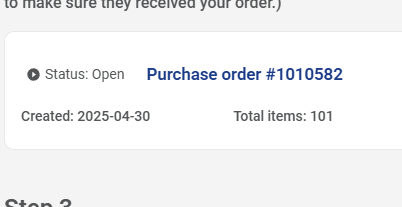
I’m trying to download the purchase order pdf to give to a parent volunteer to pick up from the local Scout Shop. All adventures and everything in the PO have been approved. I’ve filtered the PO by Sub Unit and grouped everything by den to make it easier on my volunteer.
When I download the pdf, it’s just a blank table with no info in it. I’ve cleared by browser cache and still got the same result. This is somewhat urgent.
@MatthewCavanah- as a workaround the download csv seems to work
@MatthewCavanah yes this was reported a few days ago
any word on a when it will be fixed? we are trying to pick up adventure loops today for passing out on Monday.
@RobertWillhelm- the csv download works as it has the data. You can use that
our council office is not accepting the CSV
@RobertWillhelm- the only thing the council office would need should be the advancement report. The PO is for the unit buyer
I wish they understood that.
@RobertWillhelm- i have never handed a PO to anyone at any scout shop
i did see that the date created is way off from when it was created, last night 11dec2025
Hmmm I do not see wrong dates - are you sure the PO was created yesterday and you were not just adding to an old open one?
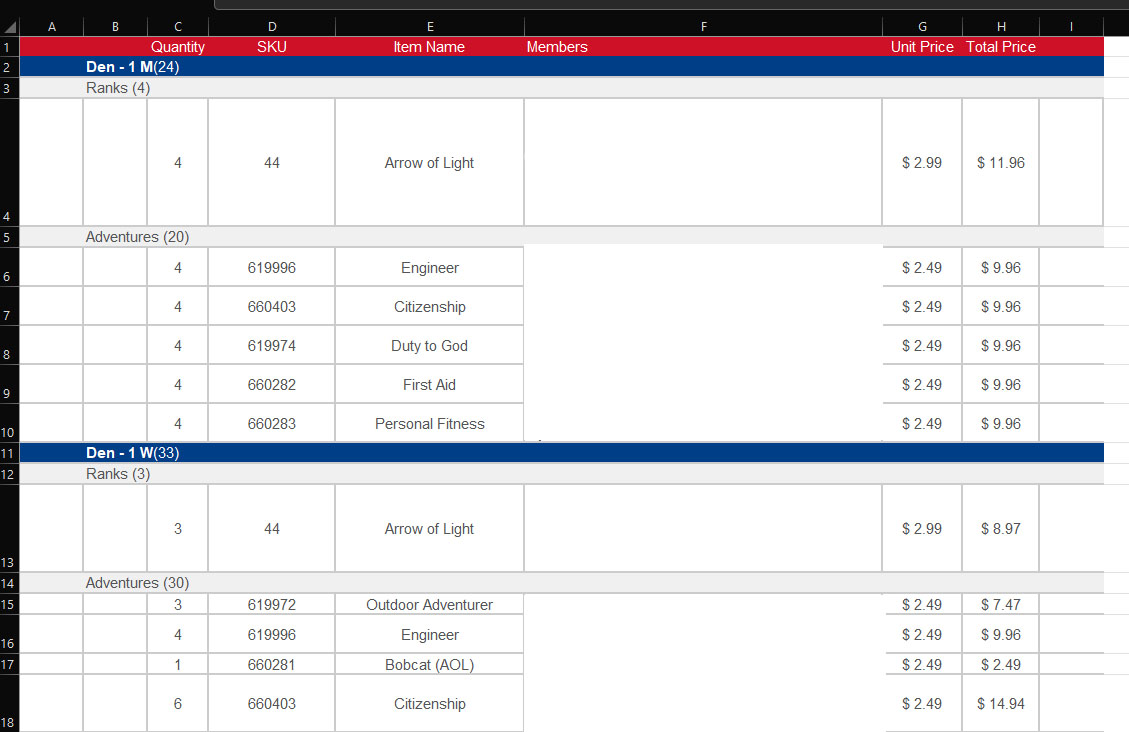
@Stephen_Hornak @RobertWillhelm If you’re like me and like to have the PO grouped by Den and Item type (which the CSV doesn’t do) I just copies the PO table from the Purchase Order Details screen and pasted it into Excel. Needed a little clean up, but I had it done in 5 minutes.
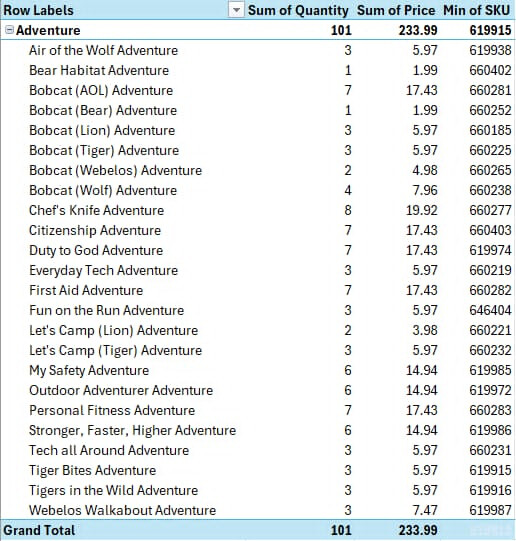
i pulled the csv and did a quick pivot table for a brake down by adventure loop, no other awards this time.
this PO only has items earned this school year.
@MatthewCavanah- that really is the action that the download PO does as far as i can tell
found that the filter may be a problem, check display by sub unit. that got it generate the PO
check the filters at the top and click on display by sub-unit. why this is not the default i don’t know.
There are units with more than one den at each level, so buying (X) of any given adventure loop (or whatever they’re called this week) for all of the dens at once, then moving on to the next adventure/award is typically easier for an individual than collecting all of the advancement/awards for one den, then “going back” and doing it for another den. The data would be sorted differently for distribution to the different dens, of course.
the problem is the report is failing to generate, if its not sorted by sub-unit.
Yes, I recognized that issue. I was only remarking on why the purchase order is not defaulted to sort by sub-unit.